
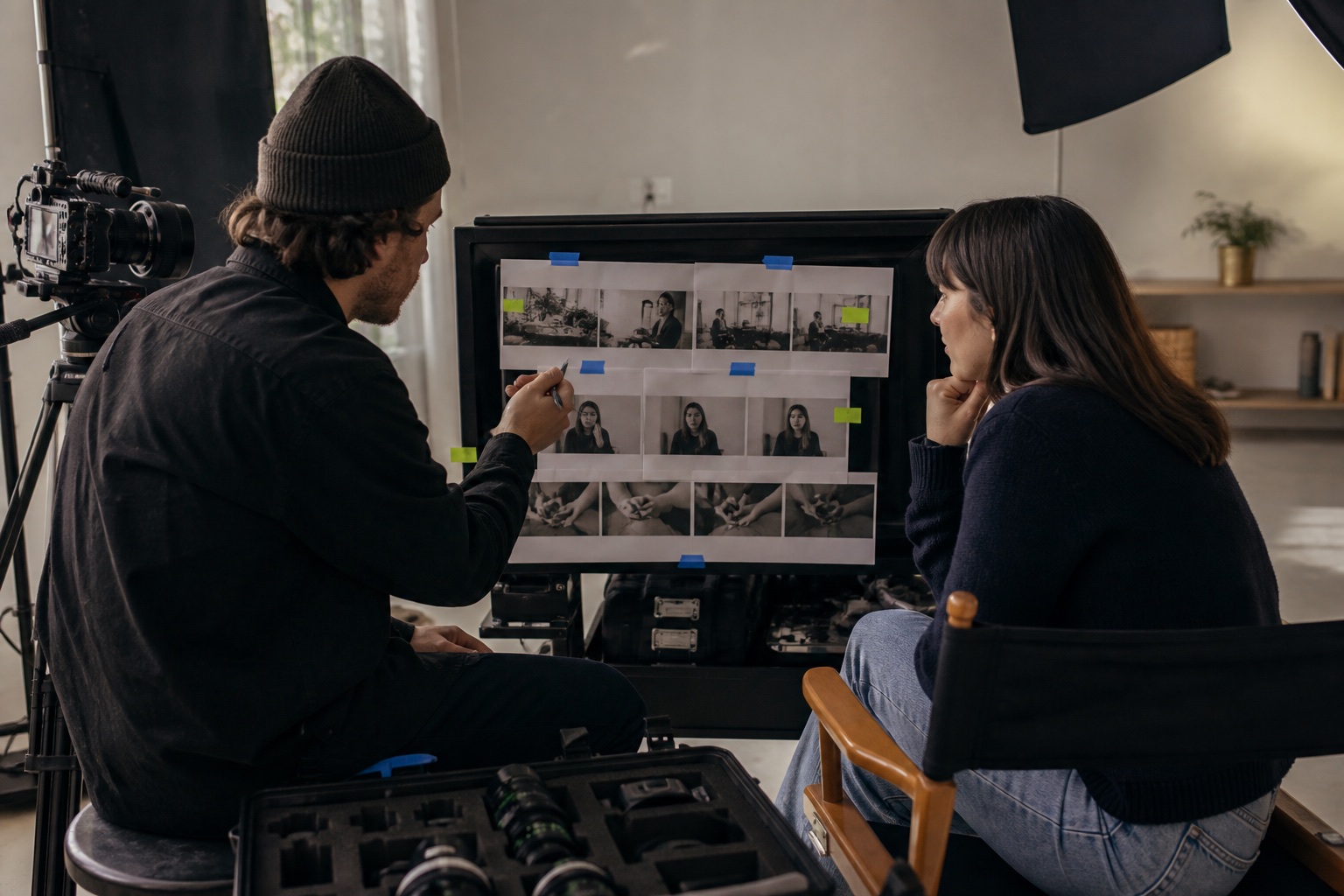
Capture the complete thought first
Record one uninterrupted version of the idea before chasing alternate angles. This protects the logic and emotional arc. A polished montage cannot repair an explanation that was never delivered clearly.
Keep the camera close enough for trust and wide enough for natural movement. The frame should feel intentional without making the speaker look trapped.
Add evidence, not decoration
Supporting footage should prove or clarify what the founder says. Show the product in use, the decision being made, the document under discussion or the environment that shaped the lesson.
- Hands interacting with the real work.
- Over-shoulder views of tools, documents or processes.
- Environmental wides that establish context.
- Specific details referenced in the spoken explanation.
Leave room for editorial rhythm
Capture a clean pause before and after each answer. Ask for one concise version after the natural version, not before it. Record a few neutral reactions and transitions rather than fabricating constant activity.
Useful coverage makes the edit feel more honest. It supports the speaker instead of distracting the audience whenever a cut is needed.
Build the shot list around proof
If a founder says the team reviews every creative decision against the audience promise, a generic shot of typing does not support the claim. A useful image might show the actual review document, the discussion around a storyboard or the moment a weaker idea is removed. The shot earns its place because it advances understanding.
This approach also improves efficiency. Once the team knows which claims need visual evidence, it can prioritise the relevant actions, objects and screen details before collecting atmosphere. Decorative coverage becomes optional rather than the material expected to rescue an unsupported edit.
Put the idea into the room.
Read the shot list aloud as an argument. If the sequence only describes camera sizes and movement, it is not yet protecting the message. Every planned image should help establish context, prove a statement, create a transition or give the viewer time to process an important idea.
Check the decision before adding output.
- What should the viewer see while each important claim is being made?
- Does the list include hands, objects, decisions and environment—not only portraits?
- Which shots establish context and which provide proof?
- Can the editor build a clear beginning, development and ending from the planned coverage?
Quick answers
Questions people ask about this topic.
What shots are needed for founder-led video content?
Capture the complete spoken idea, a trusted primary frame, wider context, hands and process details, the real tools or documents being discussed, proof for important claims, natural pauses and transitions, room tone, and clean openings and endings for alternate edits.
What B-roll works best for a founder video?
The best B-roll proves or clarifies what the founder says: a decision being made, a product in use, a document under review or a real process in motion. Generic typing, walking or coffee shots should not replace evidence that advances the argument.
Sources & further reading
Evidence you can inspect.
These references support the research-dependent parts of this field note. The practical recommendations and working frameworks remain editorial analysis.
- 01The Story Behind #OverheardAtCoSchedule Wistia Customer Showcase
A real production example built from talking points, storyboards and a detailed shoot schedule.
- 02Create sequences in Premiere Adobe Premiere Help
Official workflow context for organising planned video and audio coverage in sequences.
A practical next pass.
- 01Break the founder explanation into complete thought units that can stand alone in the edit.
- 02Assign one proof shot or demonstration to every claim that should feel credible rather than asserted.
- 03Capture clean openings, pauses and endings so edits do not need to manufacture unnatural energy.
- 04Finish with room tone, hands, environment and process details that genuinely belong to the story.